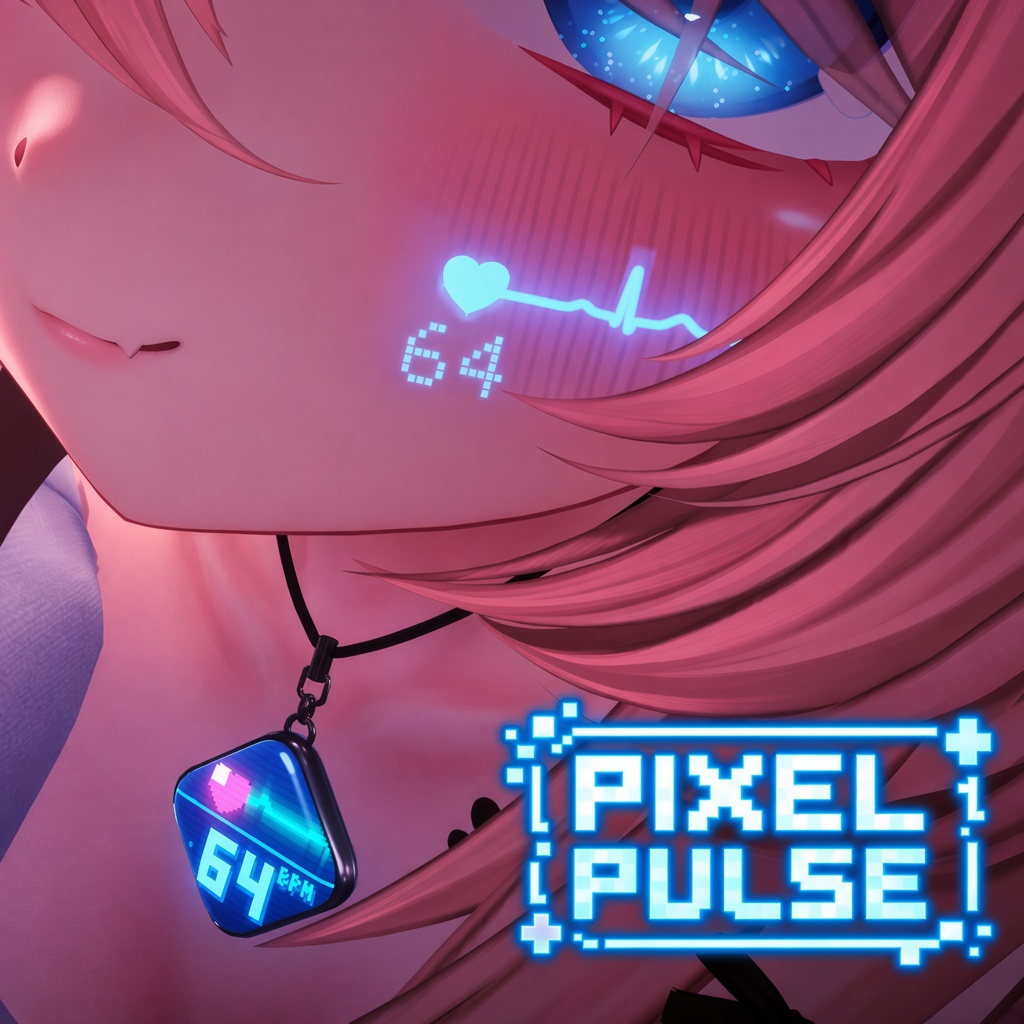
HEART RATE PENDANT
PixelPulse
心拍などを表示できる、ペンダント型アクセサリー。A pendant-style accessory with a heart rate display.
- 心拍・バッテリー・水槽・画像Heart rate, battery, aquarium & image
- 心音・パルスタトゥーHeartbeat sound & pulse tattoo
ACCESSORY GUIDES
お使いの商品を選んで、導入方法や調整方法を確認できます。Choose your product for installation, fitting and customization instructions.
HEART RATE PENDANT
心拍などを表示できる、ペンダント型アクセサリー。A pendant-style accessory with a heart rate display.
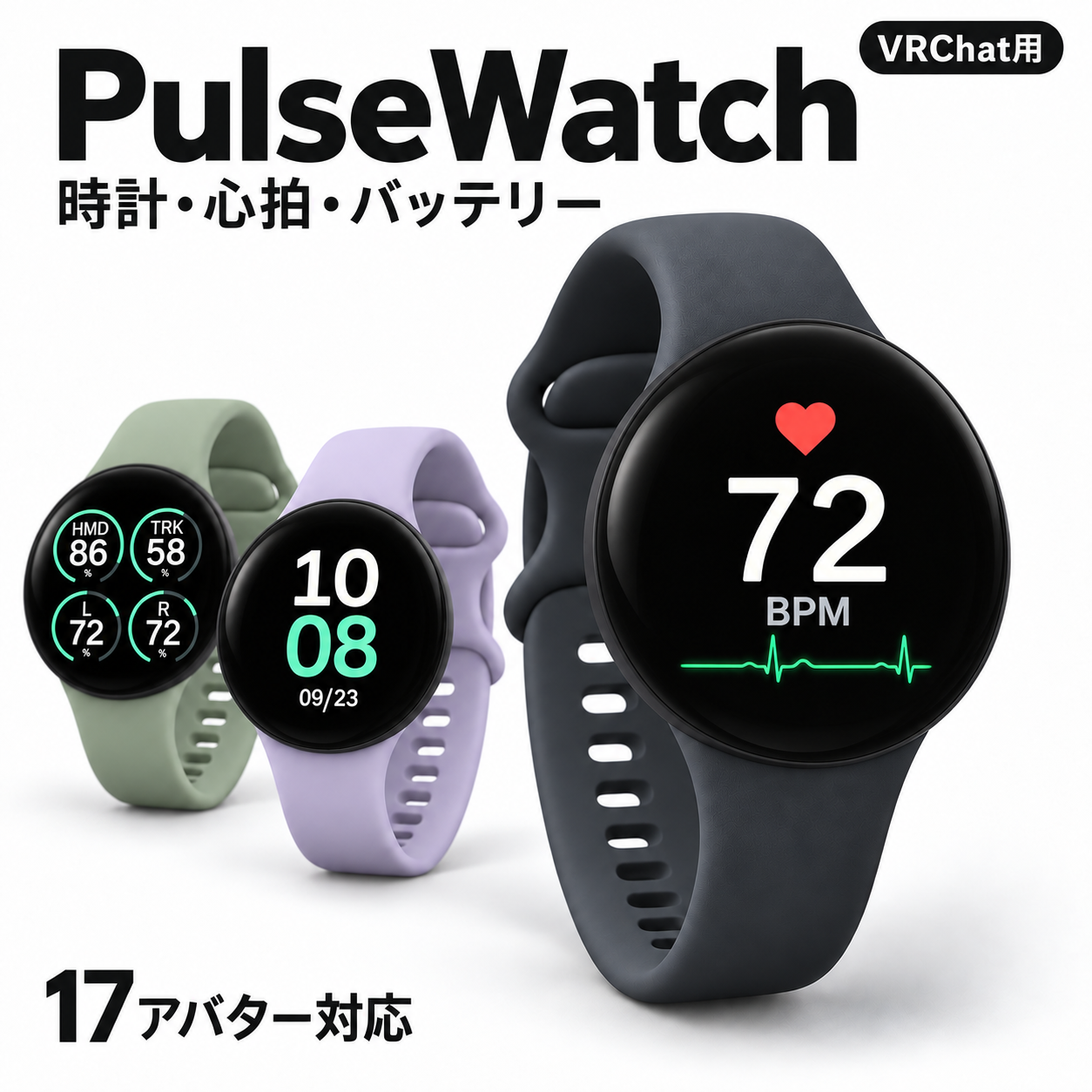 + PulseCharm
WATCH + BONUS CHARM
時計・心拍・バッテリーなどを表示できる、腕時計型アクセサリー。A wristwatch accessory for time, heart rate, battery and more.
SHARED SETUP
心拍計やスマートウォッチからVRChatへ。お持ちの機材に合う方法を選べます。Send your pulse to VRChat. Find the route that matches your gear.
心拍計がなくても、手動心拍・水槽・画像ページを楽しめます。PulseWatchにはOSC不要の時計も搭載。どちらの商品もPC版VRChat用です。No heart rate monitor? Use manual HR, the aquarium or your own image. PulseWatch also includes a clock that needs no OSC. Both products are for PC VRChat avatars.
PixelPulse・PulseWatch・PulseCharmは同時に装着できます。心拍入力は共有し、表示ページや明るさは個別に選べます。Wear PixelPulse, PulseWatch and PulseCharm together. They share heart rate input while keeping pages and brightness independent.
共存時の設定を見る →Coexistence settings →